FREE TOOL · NO LOGIN
Create a parametric slatted panel
Explore a wooden relief, fit the measures to your space and take a vector file into your fabrication flow. The calculation and the export happen in the browser.
Open the generatorFour starting points
The examples below are previews of the templates calculated by the WoodPath engine. Choose a pattern in the editor and customise the dimensions.
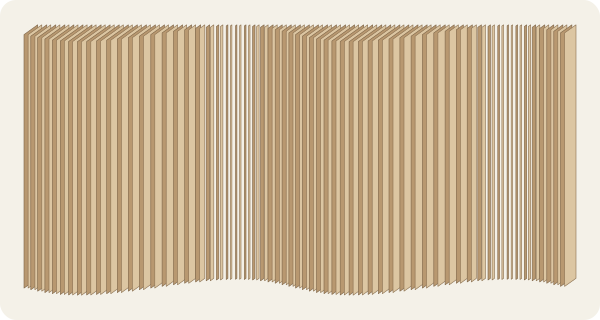
Vertical waves
Vertical sine waves make a sequence of reliefs to watch light and shadow move across the panel.
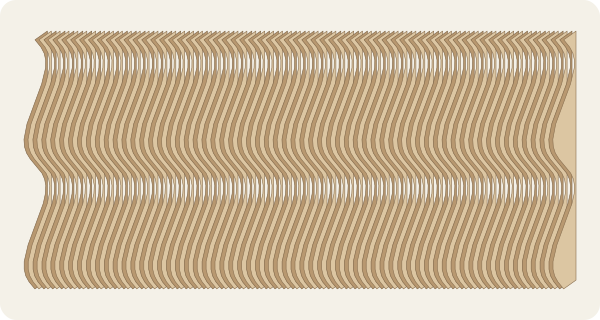
Horizontal waves
The same sine relief turned horizontal, useful for comparing the rhythm of the slats in the room.
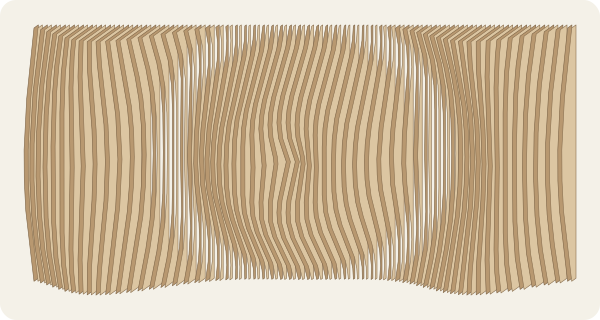
Rings
Radial layers produce a ring pattern around the centre of the panel.
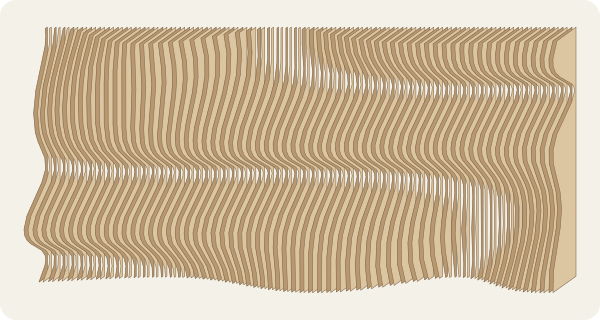
Flow
A tilted wave with a soft warp combines diagonal movement with regular spacing.
What you can adjust
- Width from 300 to 4,000 mm and height from 300 to 3,000 mm.
- Maximum depth, relief amplitude and spacing between slats.
- Slat thickness and vertical or horizontal orientation.
The fields show the accepted limits. Check the real thickness of your material, your tool and the clearances in your workshop before you cut.
Preview and output formats
The editor calculates a local 3D preview. In the “Chapas / Exportar” tab (the editor is currently in Portuguese only), see the nesting produced for the project and download the layout as SVG or DXF. Both formats use the same parts and the same nesting result.
Frequently asked questions
Do I need to create an account?
No. You can open the editor and keep the project on this device without a login.
Which formats can I export?
The editor prepares SVG and DXF vector files locally. Check the units and the scale when you import them into your workshop’s software.
Does WoodPath send my measures to a server?
The geometry, the preview and the export are calculated in the browser. The anonymous project is saved locally on the device.